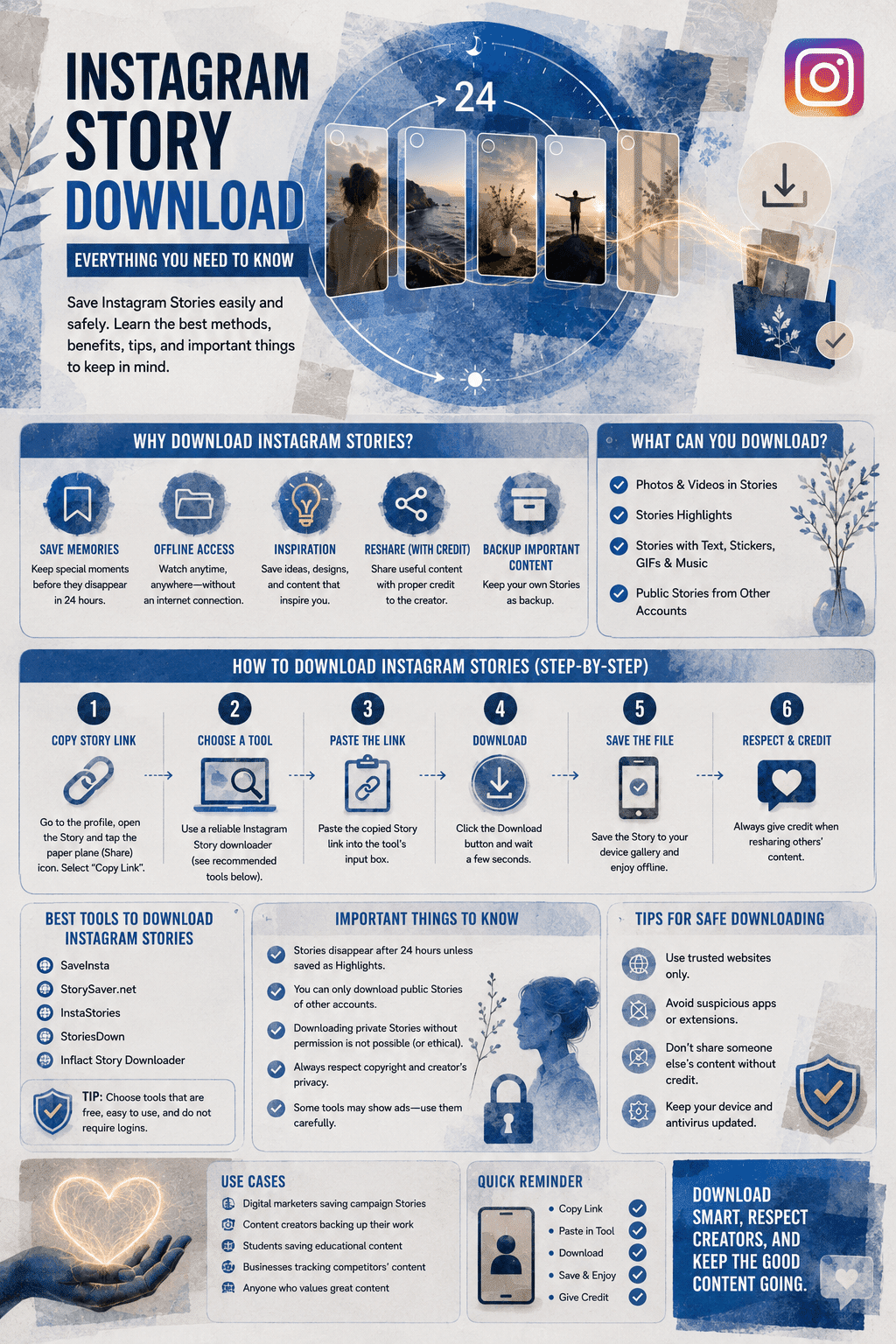
Instagram Story Download: Everything You Need To Know
Learn how to download Instagram Stories, save your own content, view stories offline and respect privacy and copyright.
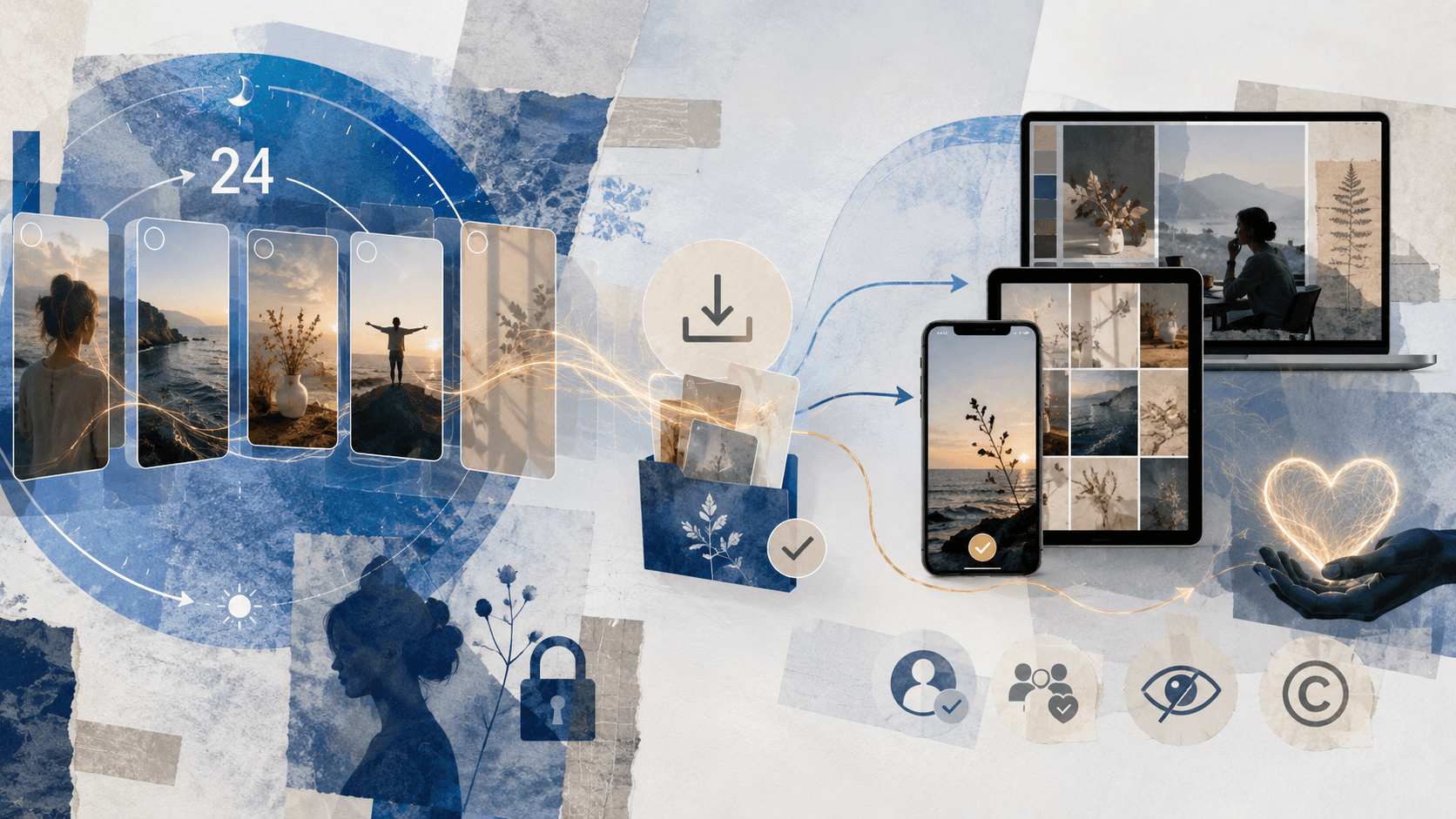
How to Download Instagram Stories
Instagram Stories are a great way to share moments, but they vanish after 24 hours. If you want to hold on to these memories or save someone else’s story to look at later, downloading them is the answer. This guide walks you through how to download Instagram Stories on different devices, so you can keep these moments without any hassle.
What Does Downloading an Instagram Story Mean?
Downloading an Instagram Story means saving the photo or video from someone’s story onto your device. Instagram lets you save your own stories easily, but saving someone else’s story usually takes a few extra steps, often using outside tools.
Why Download Instagram Stories?
- Keep Your Own Memories: Save your stories so they don’t disappear after 24 hours.
- Get Inspired: Save creative stories from others to use as inspiration later.
- Watch Without Internet: View stories even when you’re offline.
- Track Business Data: Use social media monitoring tools (like those listed on Spotsaas) to save stories, keep an eye on competitors, and measure how people engage with content.
Ways to Download Instagram Stories
Note: Always respect people’s privacy and ask permission before saving someone else’s content.
1. Using Instagram’s Built-In Tools
For your own stories:
Save a single story:
- Open your active story.
- Tap the three dots (…) in the bottom right.
- Choose “Save Photo” or “Save Video.”
Turn on automatic saving:
- Go to your profile and tap the menu icon (☰).
- Go to Settings > Privacy > Story.
- Under “Saving,” turn on “Save Story to Archive” or “Save Story to Camera Roll.”
2. Using Third-Party Apps
For saving other people’s stories:
These two apps have genuinely different risk profiles, worth knowing specifically rather than assuming they’re interchangeable.
Story Saver (Android): the app’s own official instructions state “log into your Instagram account,” and a recent review describes it now requiring full login where it previously didn’t. This matches the credential-phishing pattern covered below. Not recommended.
Repost for Instagram: IG Story (iOS, developer “META GRAPH LIMITED,” not affiliated with Instagram or Meta despite the name): this one genuinely doesn’t require an Instagram login, a real safety positive. Its actual weakness is different: multiple reviews describe paying for the subscription and finding core repost functionality broken, with difficulty getting refunds. Test with the free download feature before subscribing to anything.
3. Using Online Tools
Works on any device:
Online tools in this category generally follow the same basic workflow: copy the story’s link from Instagram, paste it into the tool’s site, and download the file it generates. Whether a specific tool is worth using comes down to one thing covered in the safety section below: does it ask for your Instagram password, or just the link. Stick to tools that only need the link.
4. Using Browser Extensions
For computer users:
Chrome IG Story Extension:
- Add the extension to Chrome.
- Log in to Instagram through your browser.
- Open a story — you’ll see a download button next to it.
- Click it to save the story.
How to Tell If an Instagram Downloader Is Safe
The methods above vary in one critical way that matters more than convenience: whether the tool ever asks for your actual Instagram password.
The well-established rule, repeated consistently across security researchers and the Instagram user community, is simple: a legitimate downloader never needs your login credentials. It only needs the public link to the content you’re trying to save. Tools that instead present their own username and password fields, rather than redirecting through Instagram’s real login page, are using the exact structure of a credential-phishing attack. McAfee has documented real cases of apps disguised as Instagram tools built specifically to harvest login credentials this way.
Of the methods listed above, an online tool like SaveFromInsta follows the safer pattern: paste a public link, get a file, no account access requested: paste a public link, get a file, no account access requested. Story Saver specifically asks for direct account login inside the app, worth treating with real caution rather than routine convenience. Not every app in this category does, Repost for Instagram explicitly doesn’t require login, so this isn’t a blanket rule about third-party apps, it’s specific to what each one actually asks for. If a download tool at any point shows a login form, a “verify your account” prompt, or asks for a password, closing the page or uninstalling the app is the safer move, regardless of how close you are to getting the file.
A Note on Legal and Ethical Use
Always respect the rights of the person who made the content. In practice, “ask permission” means actually messaging the person before saving their story, not assuming silence means consent, especially before reposting, editing, or sharing it anywhere beyond your own private viewing. Saving or sharing someone else’s story without their okay can break Instagram’s rules and copyright law, and repeated violations can result in account restrictions regardless of intent.
The security risk covered above is worth taking just as seriously as the legal one. The same pattern behind fake login forms on Instagram downloader apps shows up across most of the internet now, The Impact of AI on Cybersecurity: Threats and Defenses covers how AI is making these fake login flows harder to spot at a glance.
Enjoy!
Downloading Instagram Stories lets you keep and enjoy content that would otherwise disappear. Whether you’re saving your own memories or content that inspires you, using the right method makes it easy. Just remember to stay ethical and respect people’s privacy when saving and using content from Instagram.
Frequently Asked Questions About Downloading Instagram Stories
No. A legitimate Instagram downloader only needs a public link to the content, never your actual login credentials. Apps or sites that ask you to enter your Instagram username and password directly match a well-documented credential-phishing pattern.
Generally no, if the download happens through a tool that fetches public content without logging in as you. Screenshotting or downloading via a no-login web tool doesn’t add your account to their story viewer list.
Saving content for personal, private viewing generally carries low practical risk, but reposting, editing, or redistributing someone else’s content without permission can violate both Instagram’s Terms of Service and copyright law.
Use a tool that only requires a public link or username and never asks for your Instagram password. If a download method ever shows a login form asking for your credentials, that’s the point to stop.
Using unauthorized third-party tools to interact with Instagram can technically violate its Terms of Service, and Instagram can restrict or suspend accounts for unauthorized access, though enforcement for casual personal use is inconsistent.
No, Instagram doesn’t notify a user when their story is downloaded or screenshotted, only when you view it as a logged-in follower, which is unrelated to downloading.
Infographic